Control Your Finances with a Few Taps
Our smartphones go everywhere with us and we rely on them more than ever. We use them to talk to our families, play games, watch movies, and monitor our favorite sports teams. With United Community Bank's mobile banking app, you can also use your phone to maintain easy access to your accounts and manage your money when you're on the go. Once you've downloaded the app and logged into your mobile banking app, you'll be able to:
- Viewing real-time account balances and transaction history
- Transfer funds between your UCB accounts
- Set up a one-time or recurring bill payment
- Deposit a check using your device's camera
- Enroll in eStatements and access your eStatements
- Locate any nearby UCB office or ATM
- Initiate Person-to-Person payments using Zelle®
- Set up account alerts
The UCB mobile banking app is available for both Apple and Android devices. Download the app by clicking on your app store provider below.


.webp)

Mobile Deposit
Depositing checks has never been easier. With the UCB mobile banking app, you can deposit an endorsed check within the app by following these steps.
- Open the UCB mobile banking app and log in.
- Tap "Deposit"
- Endorse the check
- Write "For Mobile Deposit Only" under your signature
- Select "Deposit a Check"
- Choose the account you want the funds deposited to
- Enter the deposit amount
- Follow the prompts to take photos of the front and back of the check
- Finalize the deposit
You can deposit up to $2,500 per day. Deposits made before 2:30 p.m. CST are available on the same business day. Deposits made after 2:30 CST are posted the next business day.
Mobile Wallet
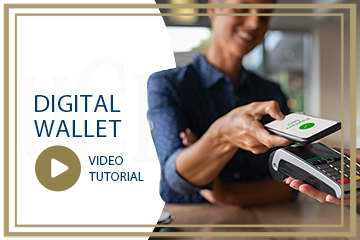
Simplify in person and online purchases by loading your debit card into your phone's mobile wallet app. Once your card is loaded, you can make in-person purchases anywhere that accepts contactless payments. You can also use your card to make online purchases using apps that include:
- Google Pay™
- Apple Pay®
- Samsung Pay®
- Masterpass®